
Setup Guide
How to Use Palia Cheats — Complete Setup Instructions
This guide walks you through every step after you buy Palia cheats — from downloading the loader to opening the cheat menu in Kilima Village. Follow each step in order before your first session.
Step 1 — Buy and download your license
Click any Buy Cheats button on this site to reach secure checkout. Plans start at $35 for 30 days. After payment, your license key appears on screen instantly — copy it before closing the tab.
Download the loader from the link in your order email. Save it to a folder outside your Palia install directory. Right-click the loader and run as administrator on Windows 10 or 11.
Step 2 — Launch Palia and open the cheat menu
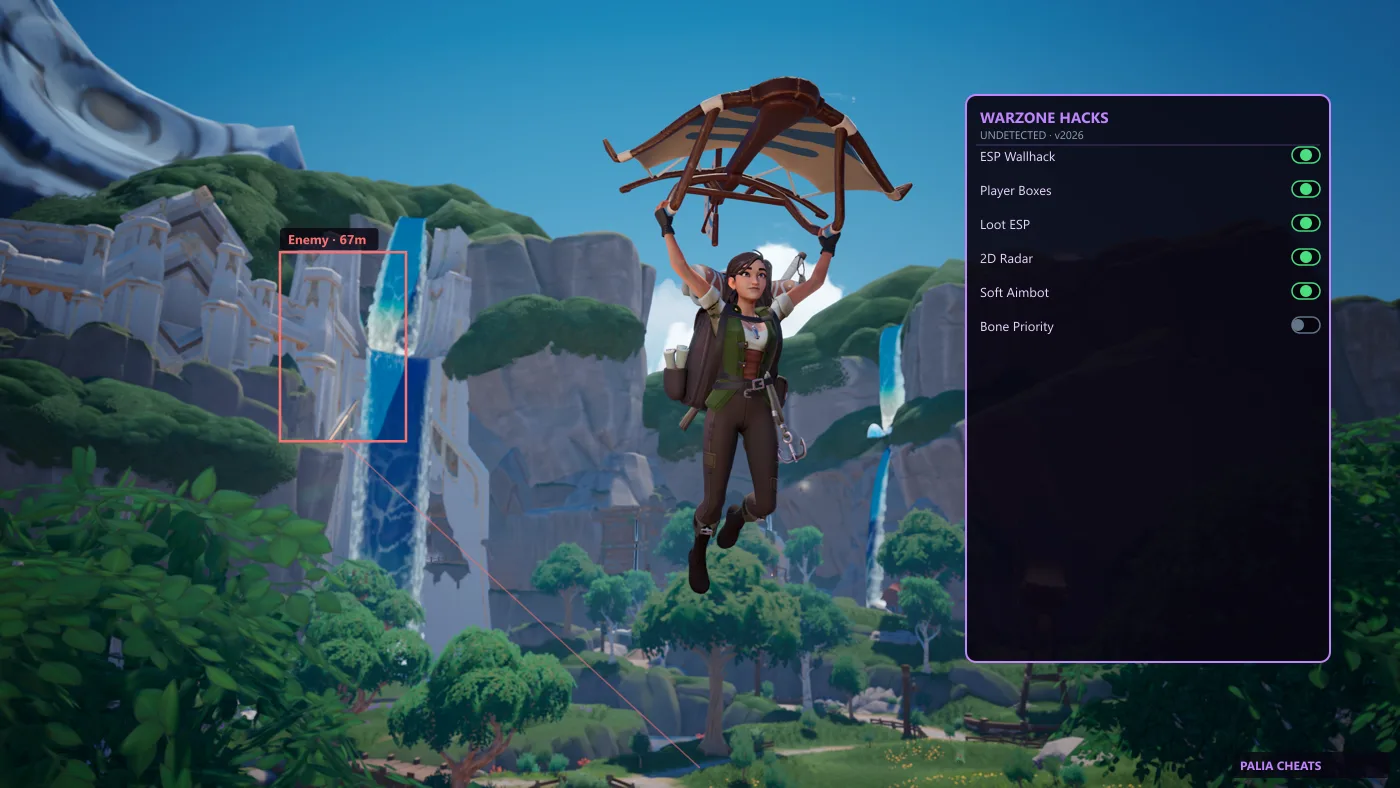
Start Palia through Steam or the official launcher. Once you reach Kilima Village, press INSERT to open the Palia cheat menu. The overlay appears on top of the game without alt-tabbing.
Enable modules one at a time: start with Resource ESP, then add Fishing ESP once you confirm the overlay is stable. Do not enable every toggle on day one.
Step 3 — Configure ESP and fishing tools
In the cheat menu, open the ESP tab. Toggle ore, wood, forage, fish, and insect categories individually. Set distance to 200m for performance on lower-end PCs.
Fishing ESP highlights rare fish pools in Bahari Bay. Pair it with the auto-catch toggle for faster gold farming. Check our status page after every Palia patch before playing.